All on your device
Your selected photos and video are processed locally. The app does not upload your source media to an external server.
On-device background removal
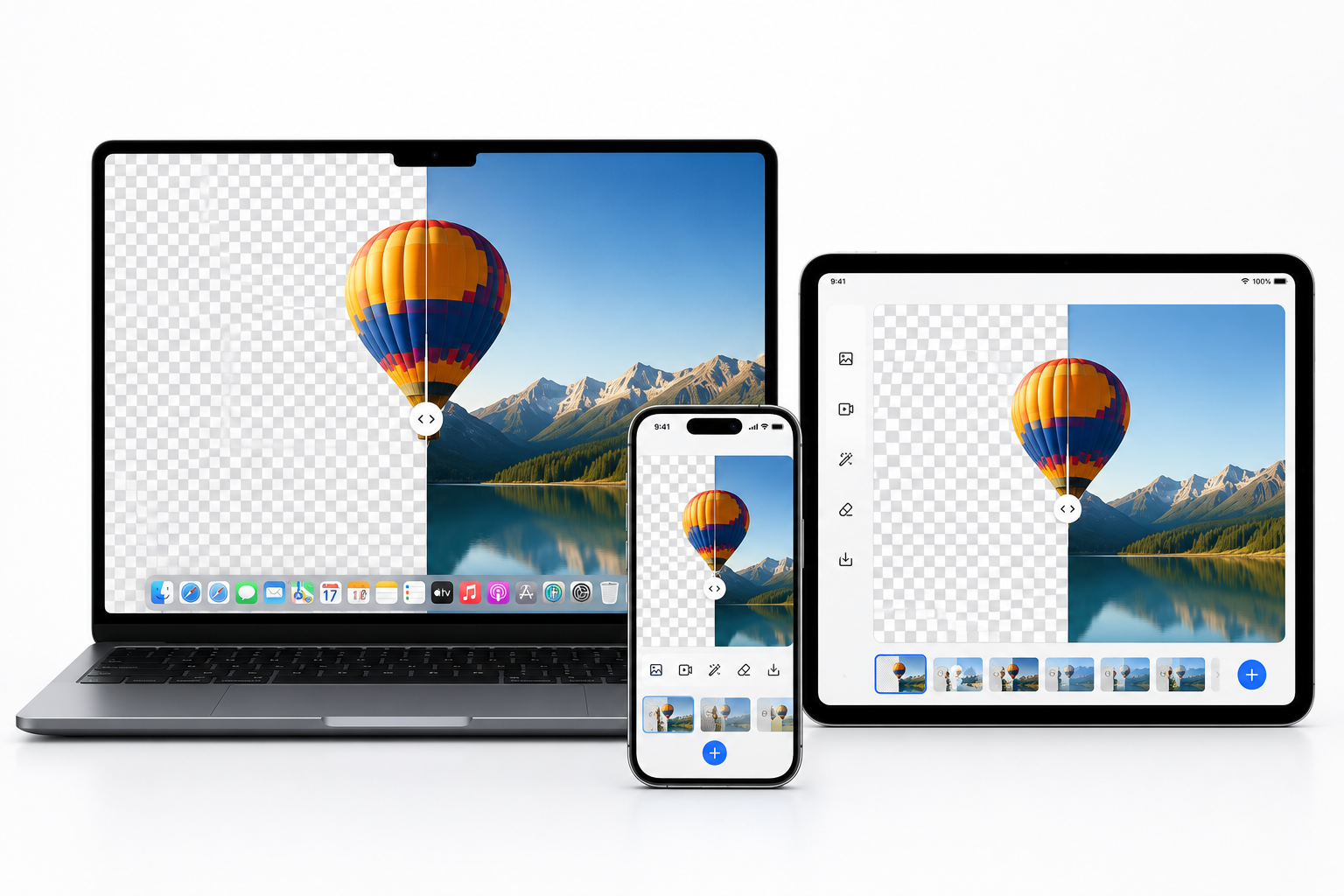
Background Remover Video Photo removes backgrounds from photos and videos on your device, then exports transparent images and video. No upload is needed, so your source media stays with you while you create.

Background removed
Features
Remove more than green screens: white, black, and a picked color are all supported. Combine automatic detection with manual corrections to prepare transparent assets from both images and video.
Your selected photos and video are processed locally. The app does not upload your source media to an external server.
Work with still images or video in one focused workflow for transparent assets.
Remove green, white, black, or a color selected with the eyedropper to suit the background you have.
Adjust tolerance, edge feathering, and despill. Use brush corrections for fine control of the final result.
Workflow
Select the photo or video you want to edit from your photo library or files.
Use automatic detection or choose a background color, then make edge corrections with the brush when needed.
Save photos as transparent PNG files and video as alpha-channel MOV files.
Universal Purchase
With Universal Purchase, buy once and use the app on iPhone, iPad, and Mac with the same Apple Account—no additional purchase required.
Formats
Import PNG, JPEG, HEIC, HEIF, TIFF, or BMP images and export them as transparent PNG files.
Import MP4, MOV, or M4V video and export a background-removed MOV file with an alpha channel.

.bgremove projects
Save your edit settings as a project. The current work is also saved automatically inside the app, making it easier to continue an edit later.
Contact
Send questions, bug reports, and feature requests through the form.